
Sign up for free to get paid by BILL customers faster, track payments, and create invoices.

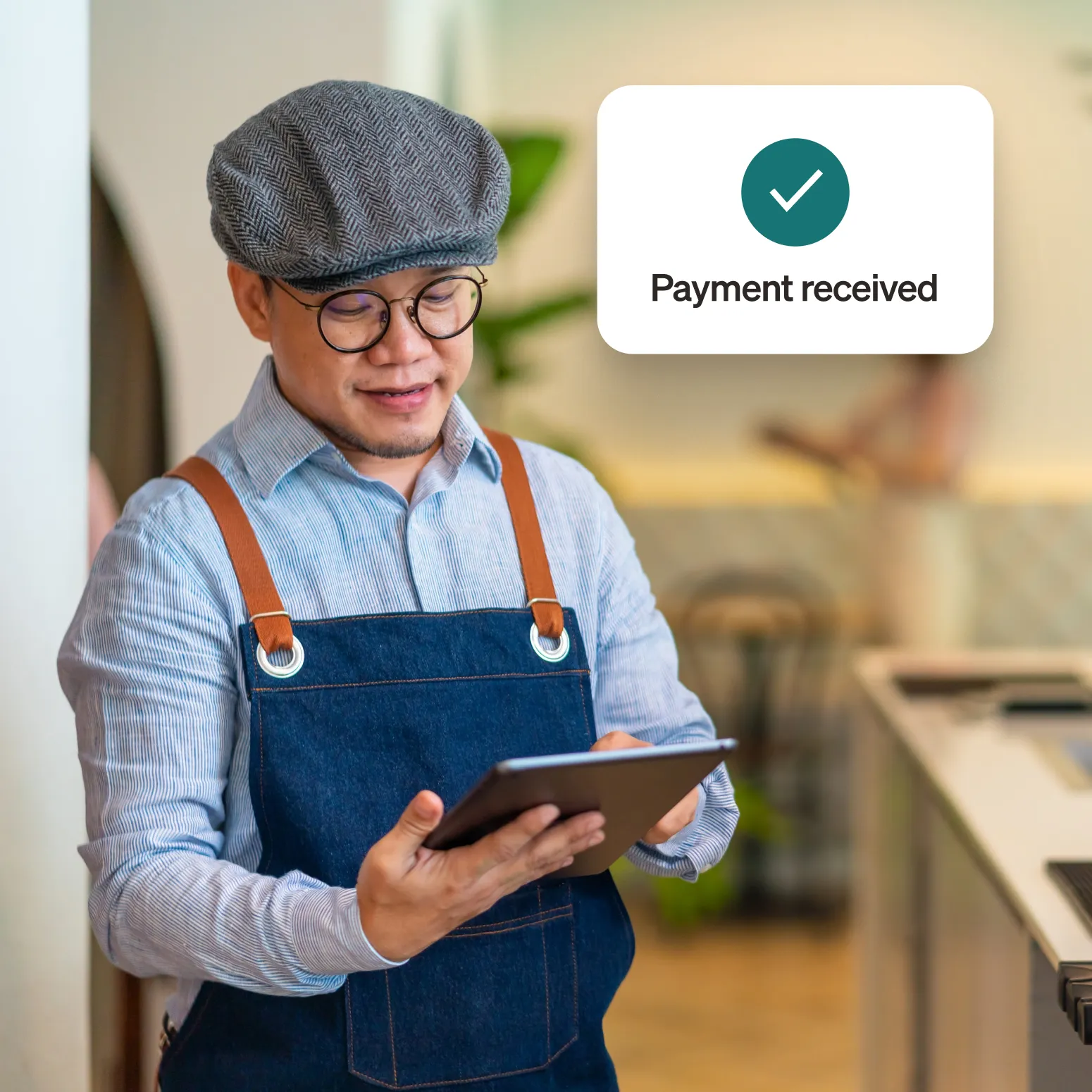
How to receive your payment
If your customer has invited you to create a subscription-free account and accept payments electronically through BILL, follow these steps to get started.



That’s it! Once you're done, you’ll be able to receive payments faster via your selected payment method.
For more detailed instructions on creating your account, check out this detailed guide.


Trustworthy and secure
Manage your own sensitive bank information and take advantage of secure, encrypted payments.
Faster payments
Receive payments electronically, which is 2x faster than check payments.1
Transparency and tracking
Get notified when you’re going to get paid and track your payments every step of the way.
Invoicing capabilities
Easily create, send, and manage online invoices with one platform.
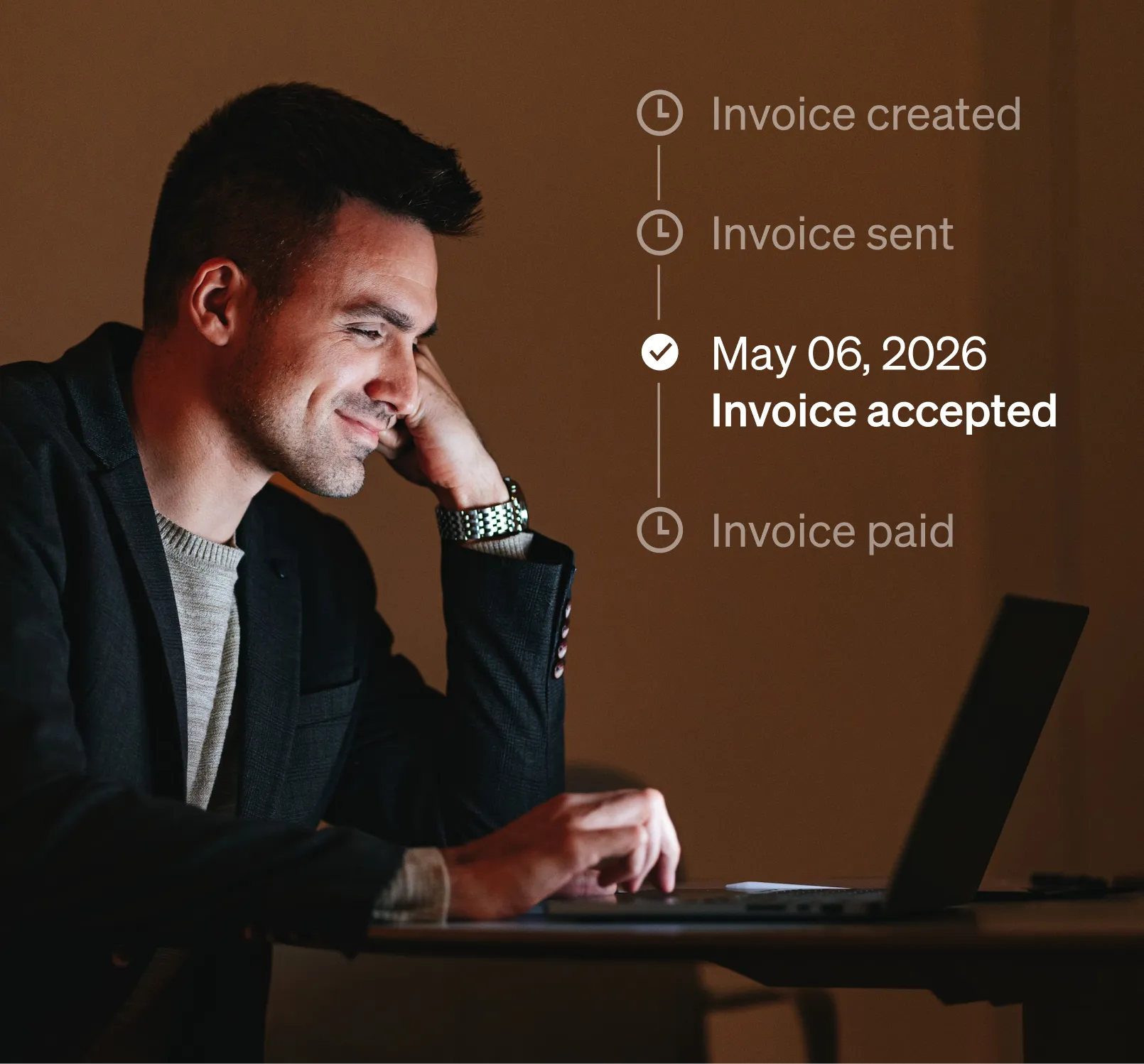
With BILL, you can choose how you’d like to accept payments. In addition to traditional ACH payments, you can take advantage of a variety of payment methods that help you get paid faster and easier.
Accelerated payment options
Facing a cash crunch? BILL offers optional services that help you get paid faster, so you can manage seasonal swings, handle unpredictable cash cycles, or simply cover operating expenses on time. Learn more about our accelerated payment options.
Virtual Cards
Receive secure payments faster with a one-time use virtual MasterCard or Visa.2
International Payments
Get paid in your preferred currency, clearly view exchange rates, and receive automatic payment status updates.




What our customers are saying
Frequently asked questions
Your BILL account can also be upgraded to access a number of additional, powerful features and benefits. Learn more here.
Your BILL account can also be upgraded to access a number of additional, powerful features and benefits. Learn more here.
With an email invitation linked to a payment, you will still receive the payment via check, though it will be significantly slower than receiving an electronic payment when you sign up for a subscription-free account.
With an email invitation linked to a payment, you will still receive the payment via check, though it will be significantly slower than receiving an electronic payment when you sign up for a subscription-free account.
Currently, users must have received an invitation from their customer, or share their Payment Network ID with a registered BILL customer to use the platform.
Currently, users must have received an invitation from their customer, or share their Payment Network ID with a registered BILL customer to use the platform.
If you receive a paper check from your customer, there's often an 8-digit code printed on the check stub that you can use to help you sign up for a subscription-free Basic Receivables BILL account, connect to your customer, and receive your payments via ePayment.
Here's how you do it:
- Go to bill.com/epay
- Enter the 8-digit code from your check and select Get Started
- If you already have a BILL account, Sign in with your existing BILL account to connect with your customer.
If you receive a paper check from your customer, there's often an 8-digit code printed on the check stub that you can use to help you sign up for a subscription-free Basic Receivables BILL account, connect to your customer, and receive your payments via ePayment.
Here's how you do it:
- Go to bill.com/epay
- Enter the 8-digit code from your check and select Get Started
- If you already have a BILL account, Sign in with your existing BILL account to connect with your customer.
With the subscription-free account, you can send and track invoices, send reminders, add your bank-account to receive direct-deposits, and manage customer records, all in one place. Learn more about features here.
With the subscription-free account, you can send and track invoices, send reminders, add your bank-account to receive direct-deposits, and manage customer records, all in one place. Learn more about features here.
When you sign up with the email invitation, we send you a special link that connects you with your customer, so you can skip the step of asking them for their Payment Network ID during the sign up process.
When you sign up with the email invitation, we send you a special link that connects you with your customer, so you can skip the step of asking them for their Payment Network ID during the sign up process.
BILL enables you to send and receive ePayments if you’re connected via your Payment Network ID. After you fill in the required information, your PNI will be displayed on the screen. Share it with your customer so they can connect with you from their platform. Note that signing up through the email invitation will allow you to skip this step.
BILL enables you to send and receive ePayments if you’re connected via your Payment Network ID. After you fill in the required information, your PNI will be displayed on the screen. Share it with your customer so they can connect with you from their platform. Note that signing up through the email invitation will allow you to skip this step.

2A fee between 1% and up to 1.49%% applies. Learn more.
3Standard processing fees apply. Learn more.